SteamOS vs Windows: the decision that matters most
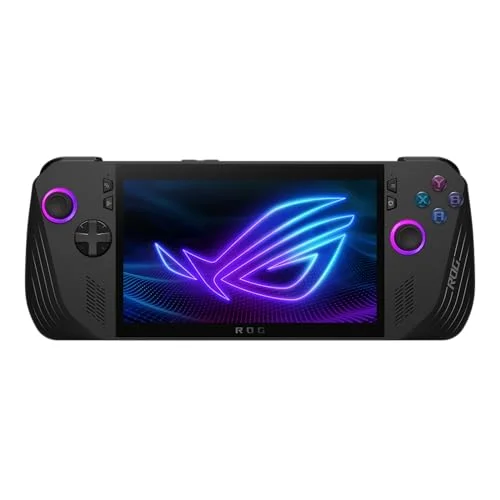
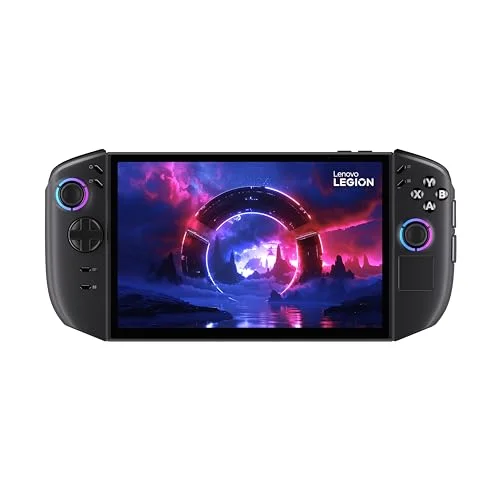
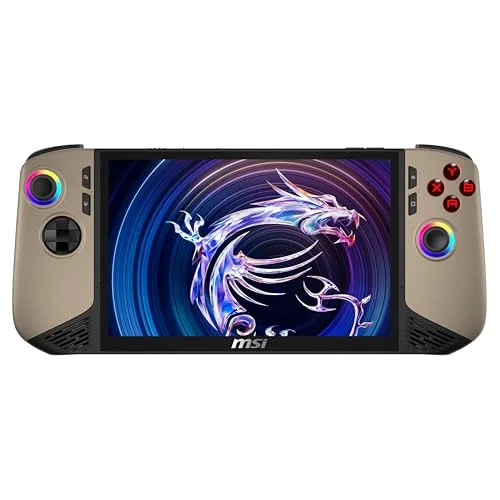
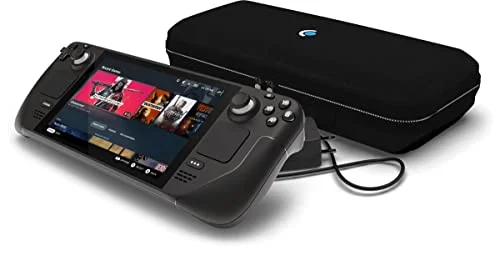
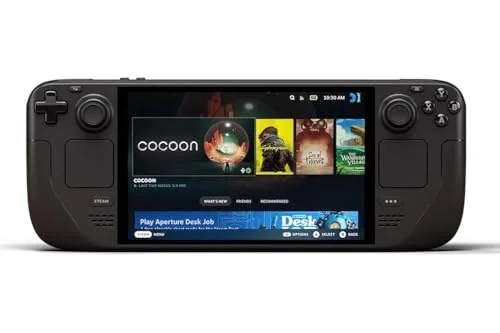
The single most important choice is the operating system, because it shapes how a handheld feels more than the chip inside it. SteamOS, used by the Steam Deck OLED and Steam Deck LCD, is a console-style Linux system built for handheld play: it suspends and resumes a game instantly, has a clean menu you drive entirely with the sticks, and is markedly more battery-efficient. Windows 11, on the ROG Ally X, Legion Go and MSI Claw 8, runs every storefront out of the box, including Steam, Epic, GOG and Game Pass, but the desktop is awkward on a small screen and the devices draw more power.
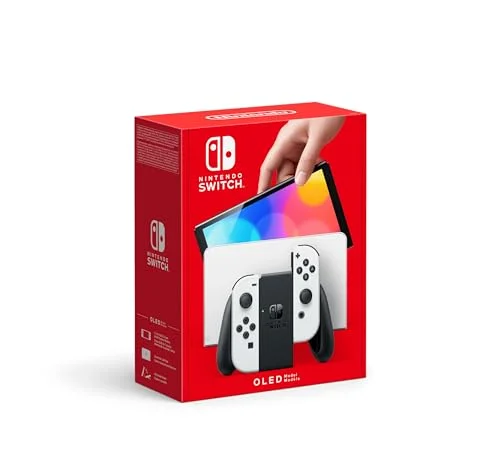
In practice, SteamOS is the easier life and Windows is the more flexible one. If your games live on Steam and you want the least friction and the best battery, a Steam Deck is the answer. If you need a specific Windows-only launcher, Game Pass on the device, or a game with anti-cheat that SteamOS blocks, a Windows handheld is worth its extra cost and complexity. The Nintendo Switch OLED sits outside this entirely: it is a closed system that plays only Nintendo's own ecosystem, and it is the only way to play those games.
The two numbers that decide how a handheld feels are the frame rate it sustains and how long the battery lasts, and you should never look at one without the other. A device that pushes a high frame rate but runs flat in two hours is less useful on a journey than a steadier one that lasts almost four. In our testing the ROG Ally X led on frames at 58 fps but lasted 2 hours 35 minutes, while the Steam Deck OLED held 46 fps for 3 hours 50, the best efficiency of any console here.
For most people, a steady 40 to 50 fps with good battery is a better experience than the absolute highest peak. The exception is if you specifically play fast competitive or action games where every frame counts, in which case the extra power of a Windows handheld earns its keep. Whatever you choose, remember that these are worst-case figures under a demanding 3D game; lighter 2D and indie titles run far longer on every device. We explain exactly how we measure both on our how we test page.
Screen and weight: OLED, resolution and how long you can hold it
On screens, the panel type matters more than the resolution at handheld distances. An OLED screen, as on the Steam Deck OLED and Switch OLED, gives deep blacks and vivid colour that flatter games far more than a higher-resolution LCD does at arm's length. A good 800p OLED often looks better in practice than a 1080p LCD. Resolution matters most on the big 8.8 in Legion Go, where the extra pixels are visible but hard to drive.
Weight decides how long you can comfortably hold a device, and the range is wide. The Switch OLED is the lightest at 420 g and the easiest on a commute, while the PC handhelds run from 640 g up to the 854 g Legion Go, which is genuinely tiring over a long session. If you mostly play on the move or in bed, prioritise a lighter device; if you play on the sofa near a charger, you can size up to a bigger screen.
Storage: 512 GB or add a card
Modern games are large, often 50 to 100 GB each, so a 256 GB device fills up after only a handful of installs. We recommend at least 512 GB of internal storage if your budget allows, or buying a smaller, cheaper model and adding a fast microSD card, which every console here supports. The PC handhelds go further: their internal SSDs are user-replaceable with a little care, so you can fit a larger drive later. Storage is the one spec that is easy and cheap to upgrade after you buy, so do not overpay for the largest model if a card will do.
How much to spend: the £300 to £600 sweet spot
For most buyers the sweet spot is £300 to £600. The £310 Switch OLED and the £419 Steam Deck LCD cover the affordable end, and the £569 Steam Deck OLED is the best all-round value, with the best balance of frames and battery on this list. Above £700 you are into the powerful Windows handhelds, the £799.99 ROG Ally X, the £699.99 Legion Go and the £899.99 MSI Claw 8, which only make sense if you specifically want their power, a bigger screen, or the longest Windows battery. Spending more does not automatically buy a better experience; it buys a different set of trade-offs.